Vice Principals
Assign coverage faster, spot open periods, and review workload history when decisions need to be fair and defensible.
Import absences from SmartFind Express (SFE), assign teacher coverage in minutes, and track responses, timetables, and reports in one place.
SmartFind Express records the absence. CoverGrid helps your office team manage teacher coverage. Explore the software. No student data needed to try the demo.
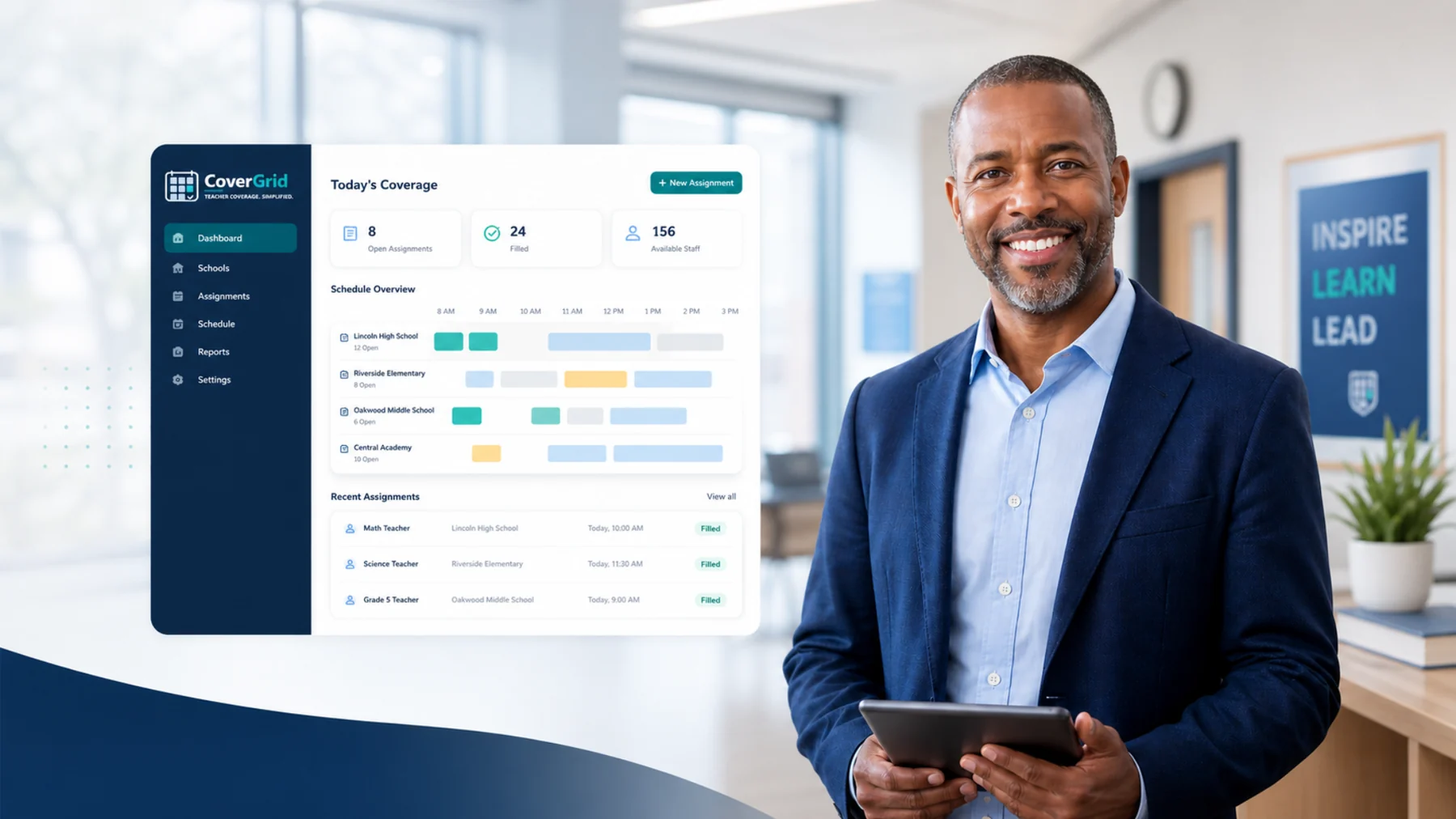
SmartFind Express helps manage absences. CoverGrid takes the SFE absence export and helps your office team turn it into a teacher coverage plan—using your school's coverage rules, with assignment review, email notifications, and response tracking.
File-based workflow. This does not imply a direct integration with SmartFind Express.

Give school secretaries, administrative assistants, and vice principals one place to organize coverage work as the school day begins.
CoverGrid gives school teams a cleaner way to move from absence to confirmed coverage without managing everything through tabs, colour-coding, and email follow-up.
| Spreadsheets | CoverGrid |
|---|---|
| Re-enter absence information Transfer absence details into coverage spreadsheets. | Import SFE absence exports Bring SmartFind Express export files into the coverage workflow. |
| Find available teachers manually Cross-check schedules, limits, and availability. | Generate coverage using school rules Build a plan, then review or reassign as needed. |
| Follow up through email threads Keep track of who has responded. | Track coverage responses See confirmations, declines, and assignments needing attention. |
| Reconcile spreadsheets for reports Compile coverage records and workload totals by hand. | Generate coverage reports Review daily coverage, teacher workload, and trends. |
CoverGrid supports the school teams responsible for making the day work when staff are absent.
Assign coverage faster, spot open periods, and review workload history when decisions need to be fair and defensible.
Keep absences, coverage notes, teacher responses, and daily records organized without jumping between spreadsheets and email.
Support multi-school visibility with cleaner data for workload trends, uncovered coverage, and operational reporting.
Use CoverGrid on office desktops, laptops, tablets, and phones — no app install required.
CoverGrid helps school and board leaders monitor absence trends, workload balance, uncovered periods, response status, and operational risk through real-time reporting and executive dashboards.
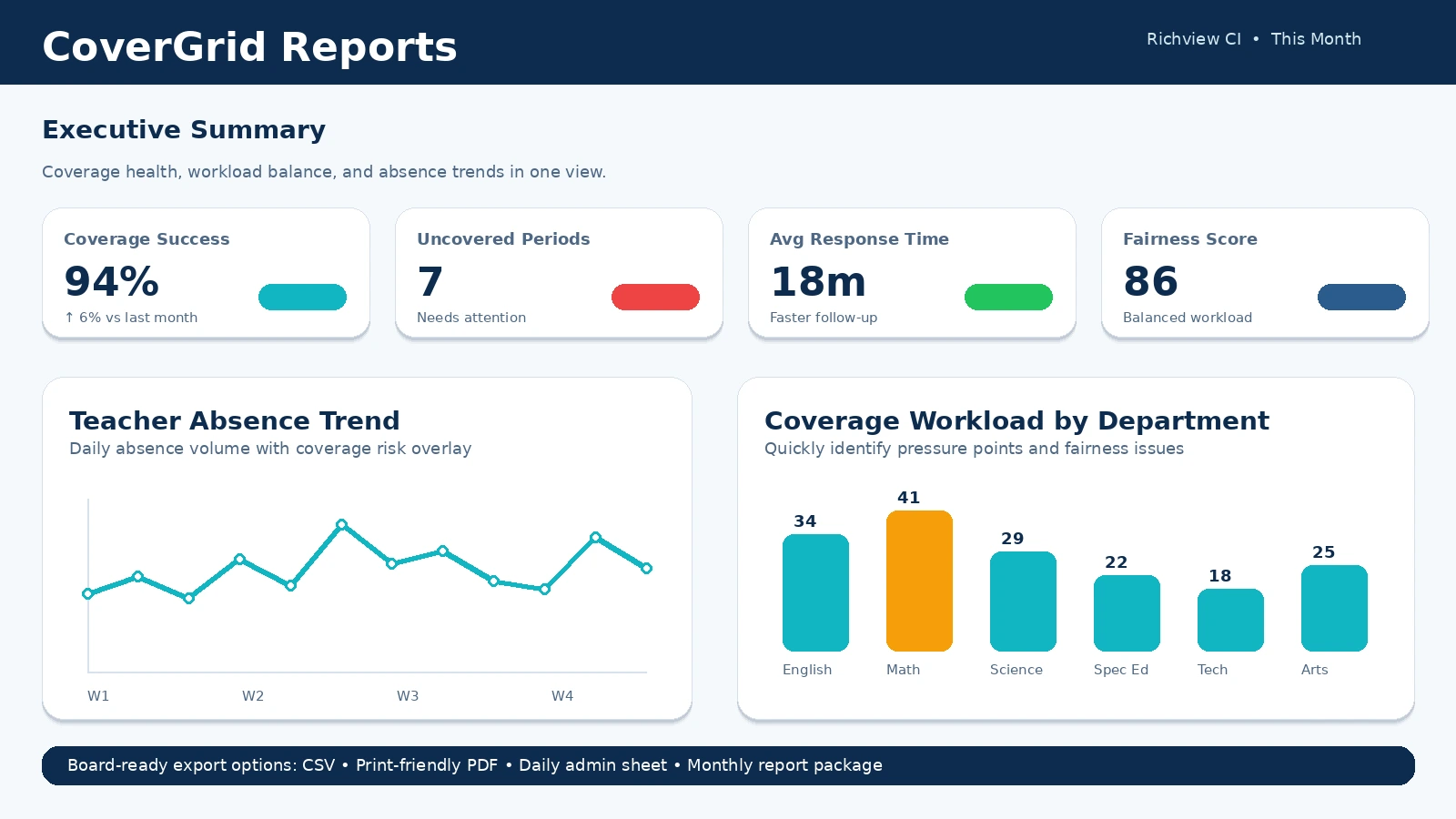
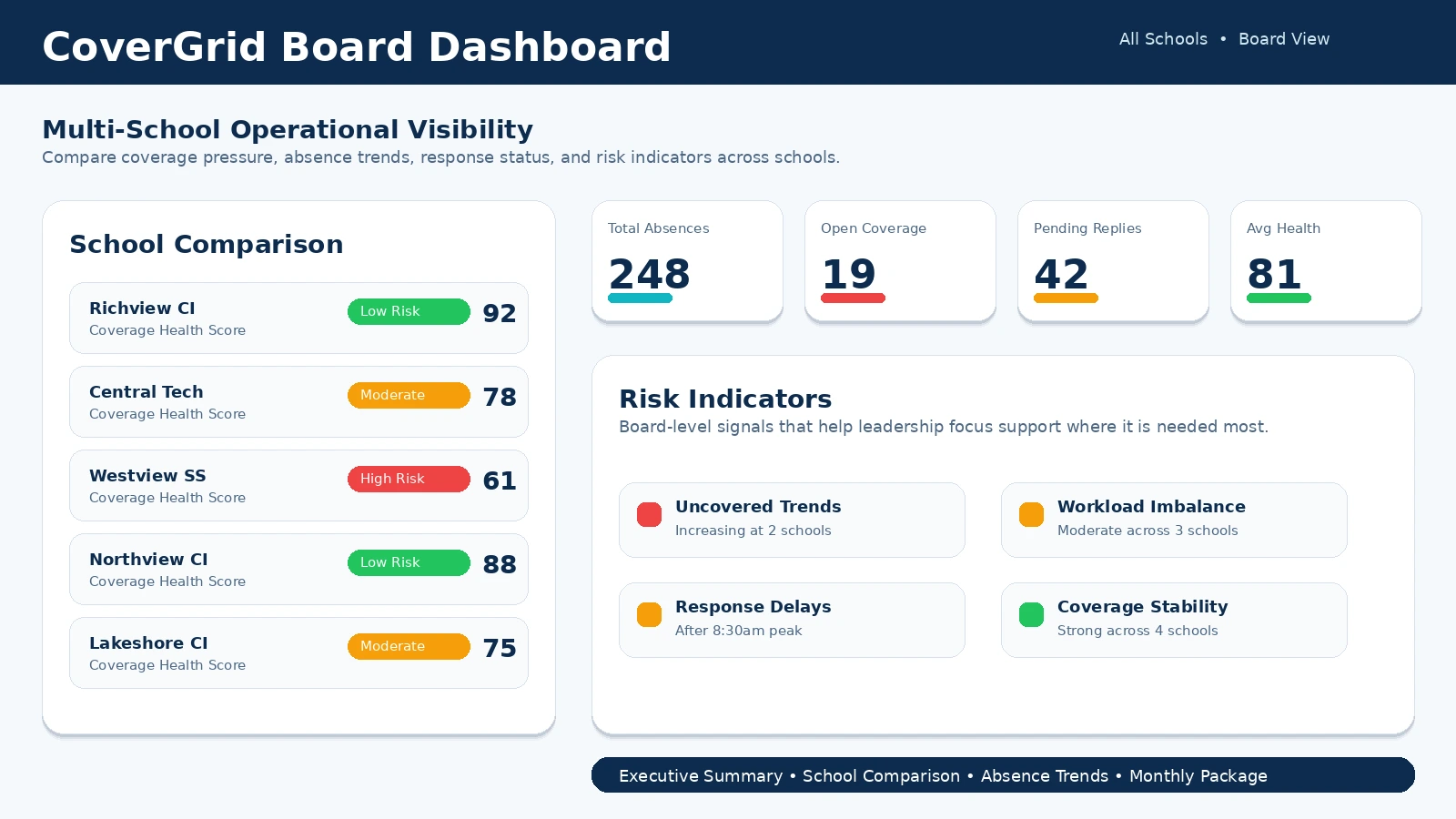
Review the CoverGrid platform using screenshots and sample school data. Full application access is provided through authorized demo accounts for school administrators, office teams, and technical reviewers.
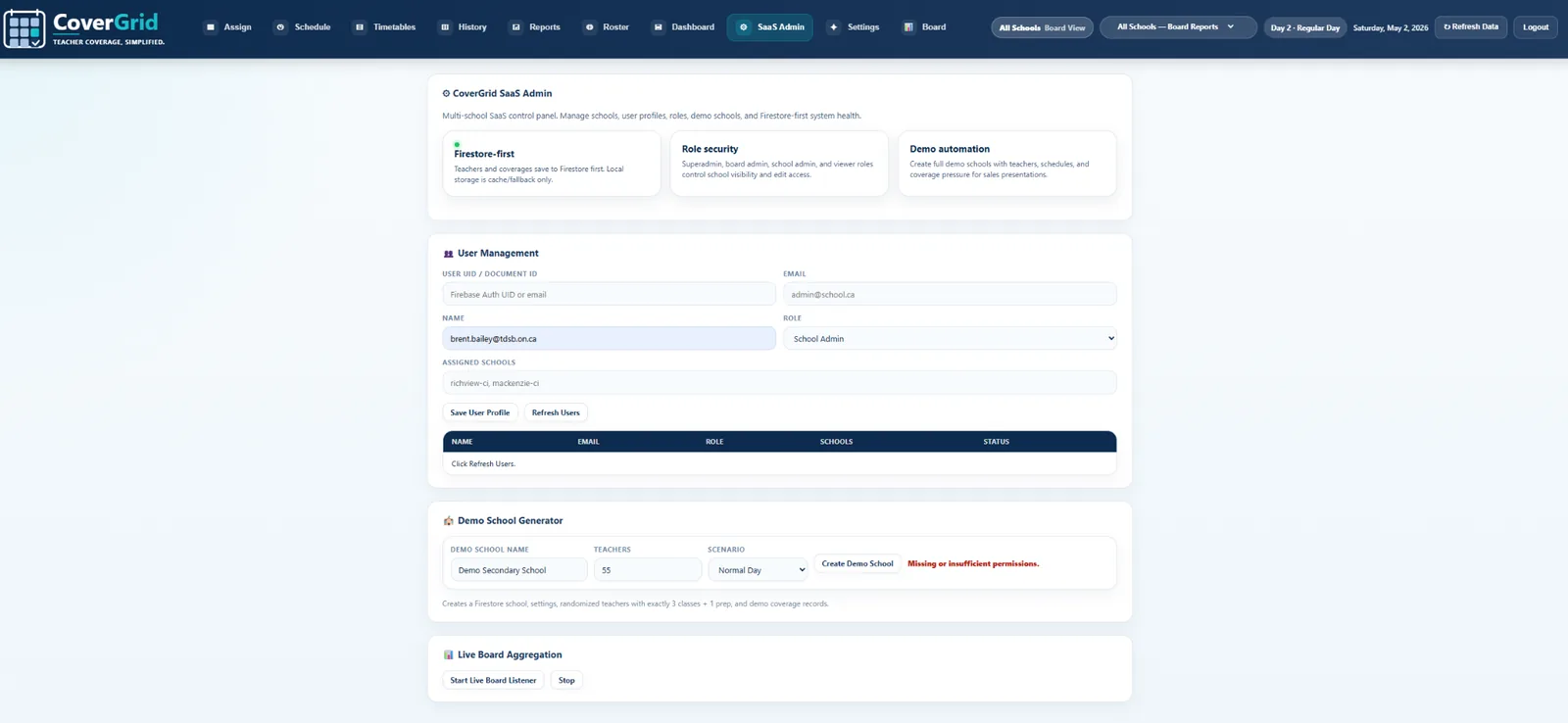
Explore the platform preview, then book a guided demonstration of the coverage workflow. Full app access uses authorized demo accounts.
Book a 30-Minute Demo Learn About the Software“Built with real school-office coverage workflows in mind.”
From the absence export to coverage reporting, keep the work in one connected workflow.
Implementation is simple.
✓ Import teacher timetables
✓ Configure coverage rules
✓ Add staff
✓ Start assigning coverage
Setup time varies with staff data, timetable readiness, and school rules.
✓ Role-based permissions
✓ School-level data separation
✓ Secure authentication
✓ Backup and restore
See how CoverGrid works in your school environment. No commitment, no complex setup—just a better morning.